Invoices and drafts
One page to create an invoice; the draft saves itself.
Invoices, clients, products, templates, PDF and tracking: nothing more complicated than needed.
One page to create an invoice; the draft saves itself.
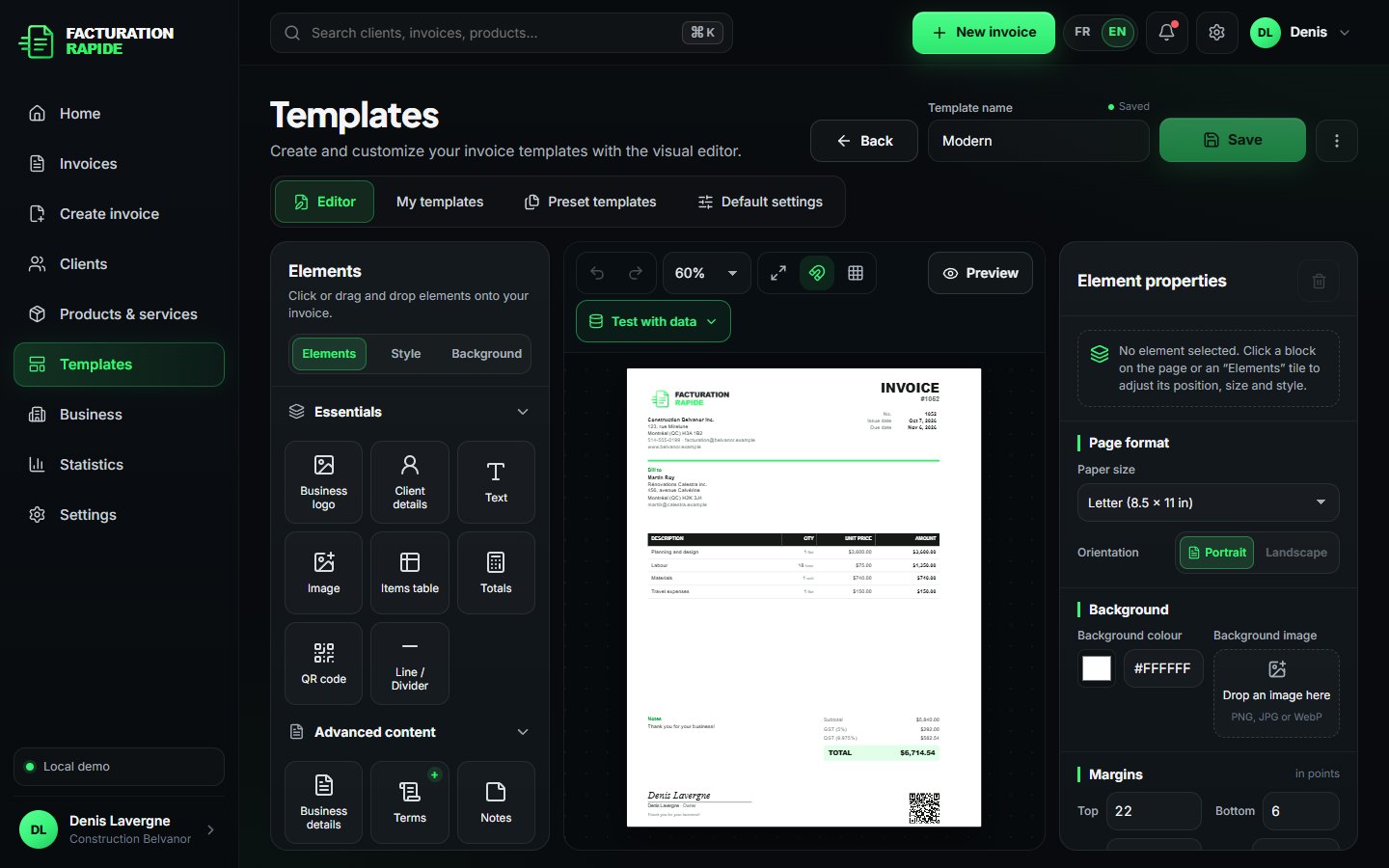
Several templates, one per use; pick the right one in seconds.
Place every block with the mouse or down to the exact point.
A background image you can move, resize, rotate and make transparent.
A client book and a reusable service catalogue.
A real PDF true to the preview, ready to send or print.
Share the PDF with the apps on your device.
Built-in email sending (simulated in the demo, no real email).
Billed, paid, outstanding, overdue: the essentials.
Invoices in English or French, depending on your client.
Add it to your home screen, no App Store needed.
Move blocks, adjust sizes, use an image or a watermark as the background, create several templates and pick the right one in seconds.
Name, logo, contact details and taxes: just once.
Place your blocks, colours and background image in the Studio.
Client, lines, total: it all fits on one page.
PDF, sharing, sending and paid or overdue status.
Try the full demo: sample data, no card, everything stays on your device.